Move one message
Pippin moves one Discord message into another channel, thread, or forum post. There is one command for this: right-click the message (or open ⋯), then Apps → Move. The wizard asks how many messages to include. Choose just this message.
Messages, author name and avatar, attachments, reactions, stickers, and embeds move with it. Only members who were @mentioned in the original message body get pinged. Otherwise no one is pinged.
Select the message
Right-click the message, or open ⋯ on mobile, then choose Apps → Move.
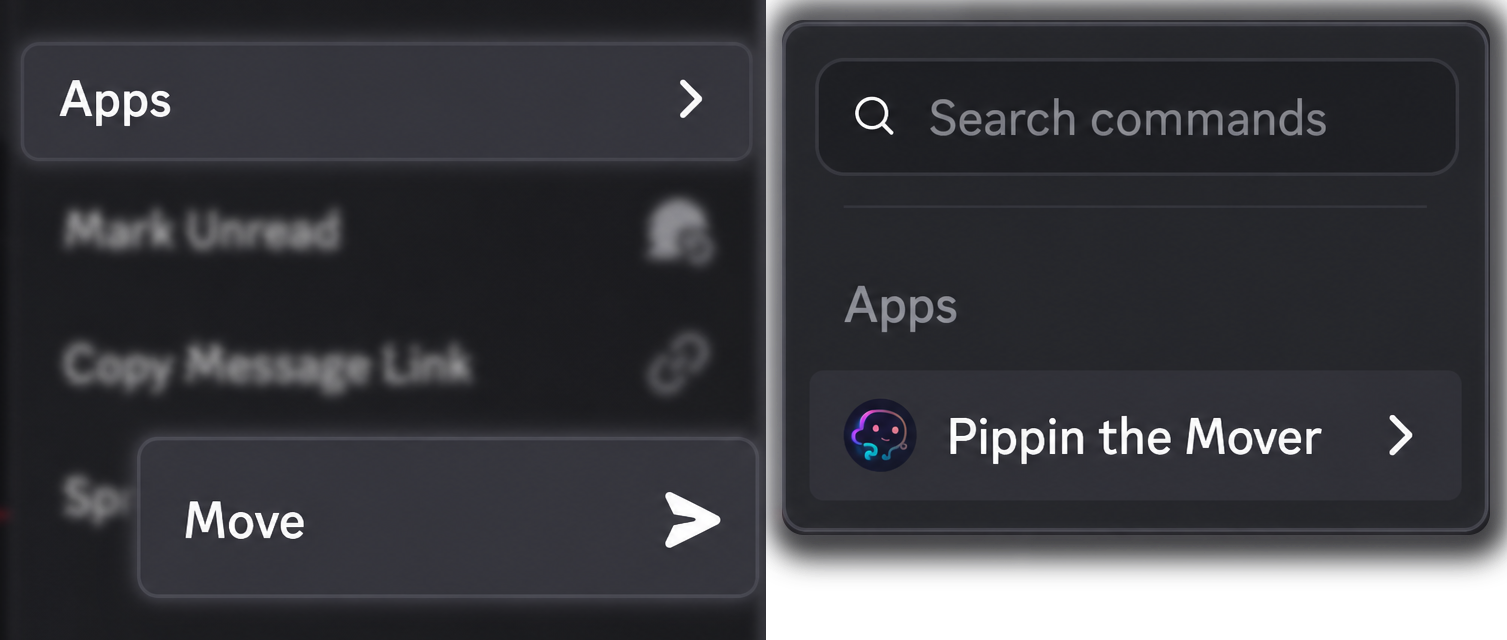
In a text channel, Pippin opens the wizard in a private setup thread so the cleanup does not add messages to the channel. After a successful move, that setup thread deletes itself about sixty seconds later. The wizard stays open for 13 minutes. If it expires, run Move again.
Pick the destination
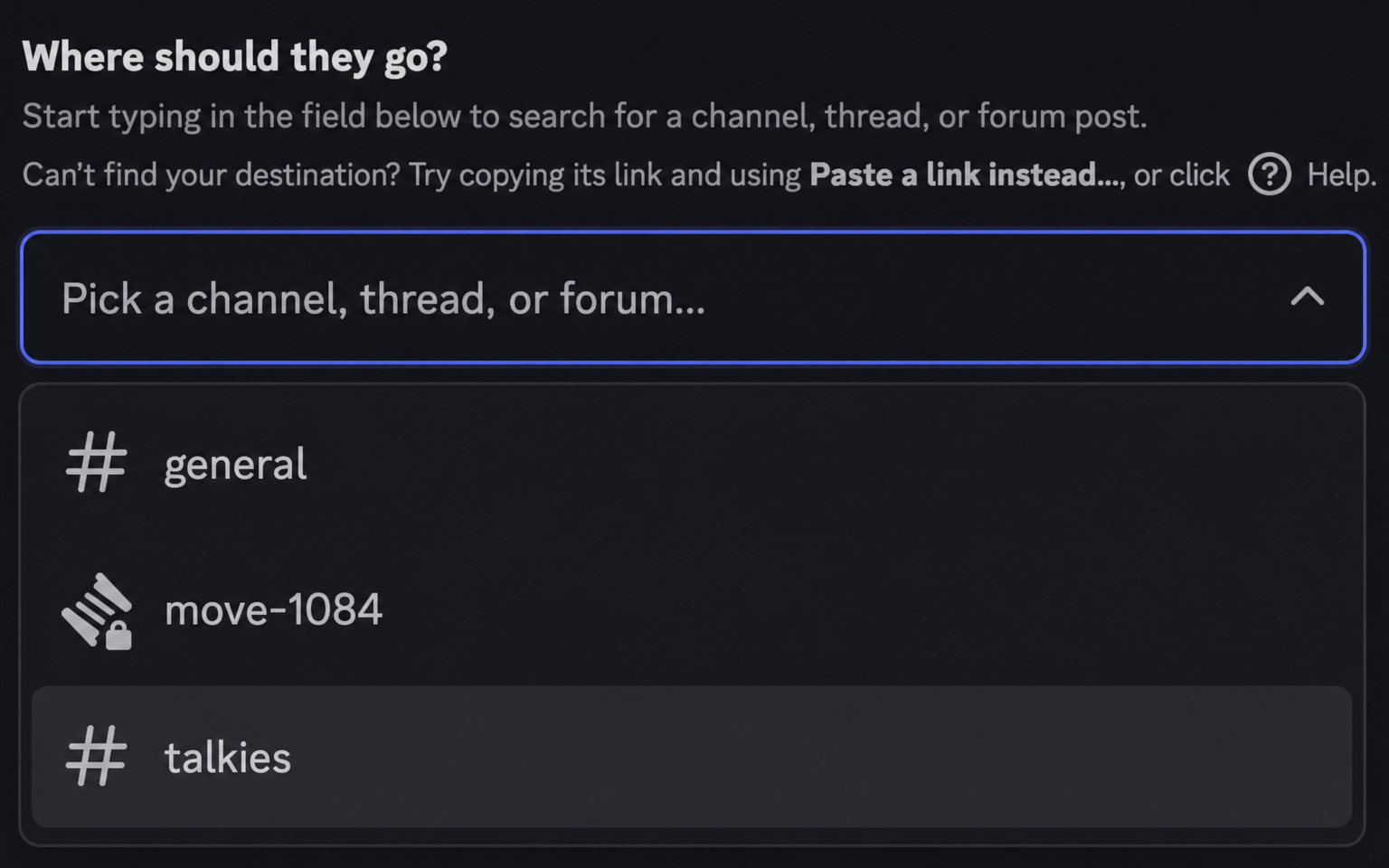
Search for a text channel, announcement channel, thread (public, private, or announcement), forum post, or forum channel. You can also paste a Discord link. The picker only offers destinations that work, and an unsupported link is rejected with an explanation.
If a server has too many rooms to list, type in the picker to search. That is a Discord limit on how many options a menu can show.
Choose just this message
When Pippin asks how many messages, choose just this message.
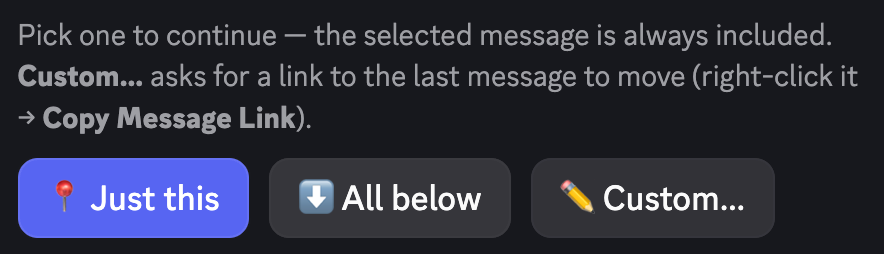
Other choices on the same screen (a counted range, or everything below) are covered on Move a range of messages and Move this message and everything below.
Pippin shows the move cost on the Review move screen before anything is copied.
If the message has a thread attached, Pippin can ask Bring sub-threads along? Moving into a regular channel recreates that sub-thread (a public thread stays public, a private thread stays private). Moving into a thread or forum post flattens it inline with an attribution note.
Delete the original or keep it
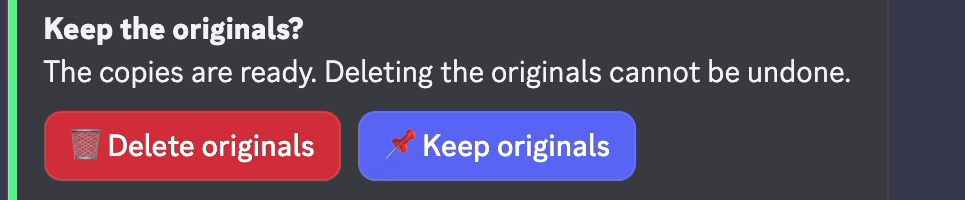
Nothing is deleted until the move finishes. Pippin then asks whether to clean up the original, with Delete and Keep, and warns that there is no undo. If you do not answer, Pippin keeps the original.
While Pippin works
A progress bar with Cancel runs during the move. Messages already moved stay at the destination. The rest stay where they were.
What is preserved
Pippin reposts through a webhook, so the moved message shows the original author’s server nickname and avatar. Attachments are re-uploaded, embeds are copied, and emoji reactions are recreated. Forwarded messages carry their snapshot content. Stickers are included where Discord allows them. If Discord rejects a sticker, Pippin reposts that message without the sticker instead of failing the move.
Pinned status is not carried over. Re-pin the message at the destination if it should stay pinned. A message over Discord’s 2,000-character limit asks you to split it, skip it, or cancel. An oversized attachment asks you to drop the attachment, skip the message, or cancel. You can tell Pippin to remember that choice for the rest of the move.
Limits
Each message that moves counts as one move against the server’s quota. Splitting a long message counts each part. The free tier includes 300 moves per month, resetting at midnight UTC on the 1st. Run /movestatus for the tier, monthly usage, and remaining supercharged moves (booster moves on pippin.gg). One operation handles up to 200 messages.