Frequently Asked Questions
Permission checks and private channels are covered on Pippin permissions and troubleshooting. The two cases below are the ones people hit most often.
Pippin is missing some permissions
Question - Every time I try to use this bot I keep getting this (image to the right).
I’ve added these permissions several times and even gave it a role to ensure it can do these things and it still doesn’t work.
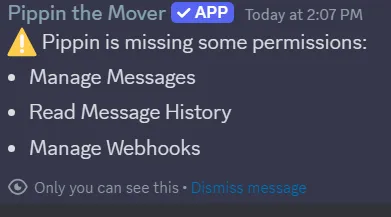
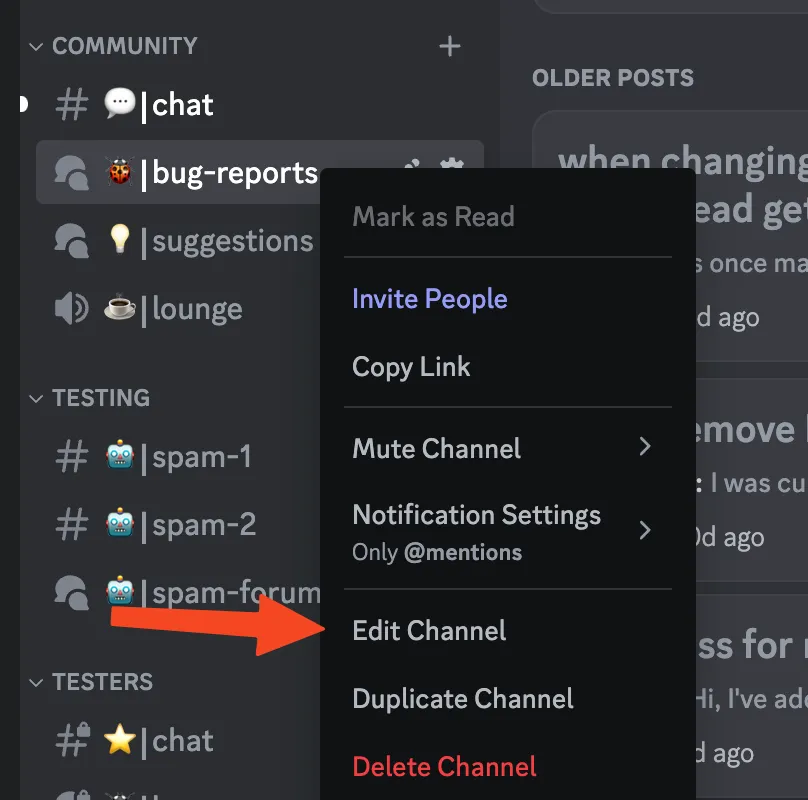
Answer - Sometimes channels override specific role permissions. Go to your channel setting and check the role permissions there.
The bot needs Manage Messages, Manage Webhooks, View Channel, and Read Message History. The person running the move needs Manage Messages, plus permission to send messages or create threads in the destination. A channel can deny those even when the server role allows them. Pippin does not need Administrator. The full checklist is on the permissions page.
Missing channels in the dropdown
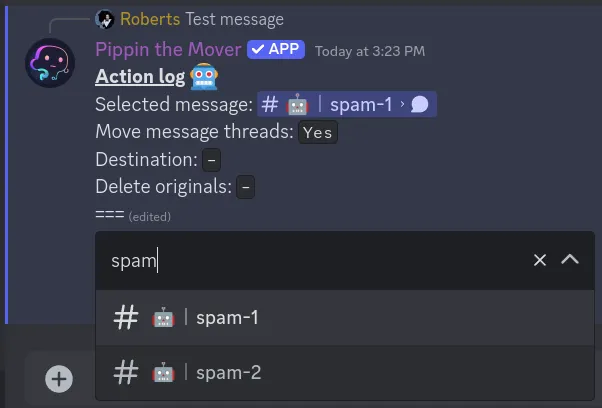
Question - I am having an issue where the bot isn’t seeing all of my channels.
Answer - Discord will not list every channel in the menu on a large server. Click the destination menu and type the channel name. You can also paste a Discord link. If the channel is private, Pippin’s role still needs View Channel or it will not be a valid destination. See permissions.