Introduction to Pippin
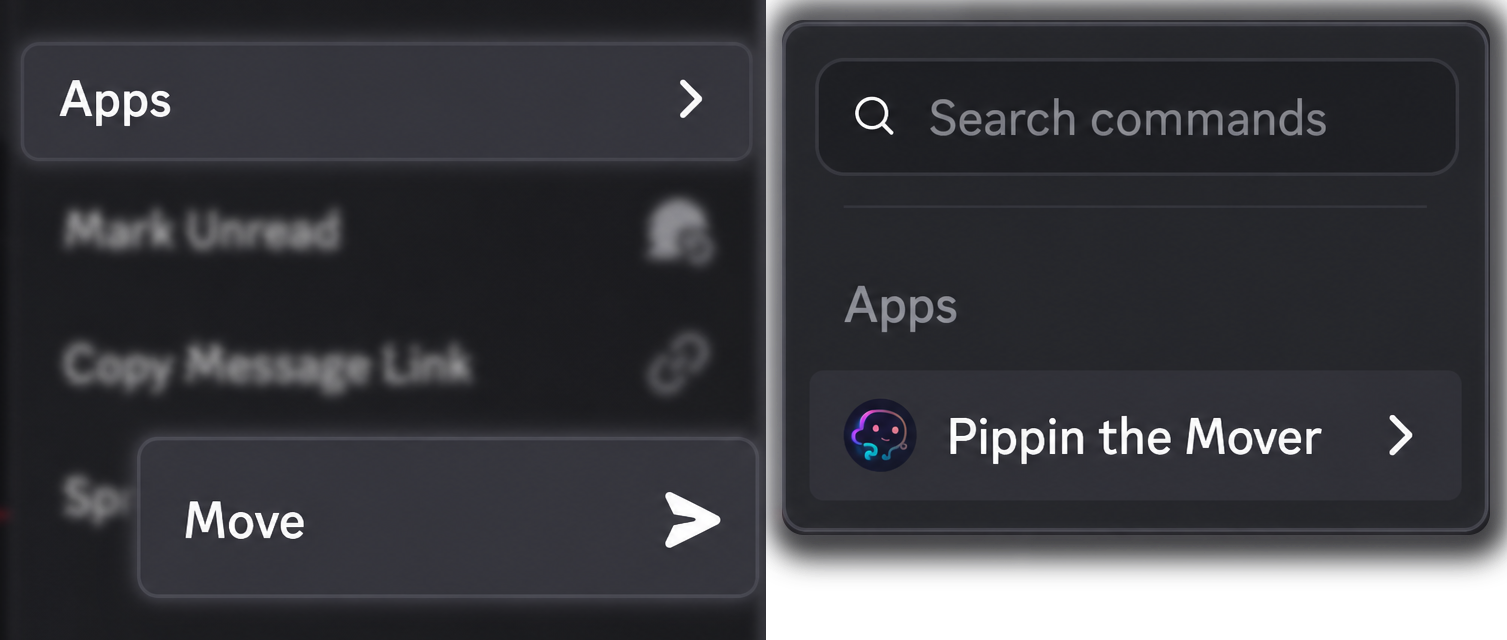
Pippin is a Discord bot that moves conversations. Discord has no built-in move for a message, a thread, or a forum post. Pippin adds one command: right-click a message (or open ⋯), then Apps → Move.
A move keeps the original author’s name and avatar, media (attachments, GIFs, and links), and emoji reactions. Threads, forum posts, and private threads work as both the source and the destination. Only members who were @mentioned in the original message bodies get pinged. Otherwise no one is pinged.
The wizard asks where the messages should go and how many to take: one message, a counted range up to 200, or everything below the message you started from. A text or announcement channel can stay flat or become a new public or private thread. A forum channel becomes a new forum post. An existing thread or forum post can receive the messages directly.
Pippin reposts through webhooks, so readers still see who said what. A new thread or forum post starts with a disclaimer that names the original author, includes the timestamp, and links back to the source. Nothing is deleted until the move finishes, and only if you choose to delete the originals. Keep them and the move becomes a copy.
To send messages to a different server, use Apps → Move cross server and the /move-link command it gives you. See move or copy messages to another server.
The Pippin documentation is the map of this site: setup, each move, permissions, and limits. To install the bot, start at Set up the Pippin Discord bot. To move a whole thread, read how to move a Discord thread to another channel.